




Your workspace, in files you own.
Pages, tables and boards on your Mac — and AI colleagues who read and edit them with you. Every page is a plain text file in a folder you choose.
Download for MacNothing to sign up for.

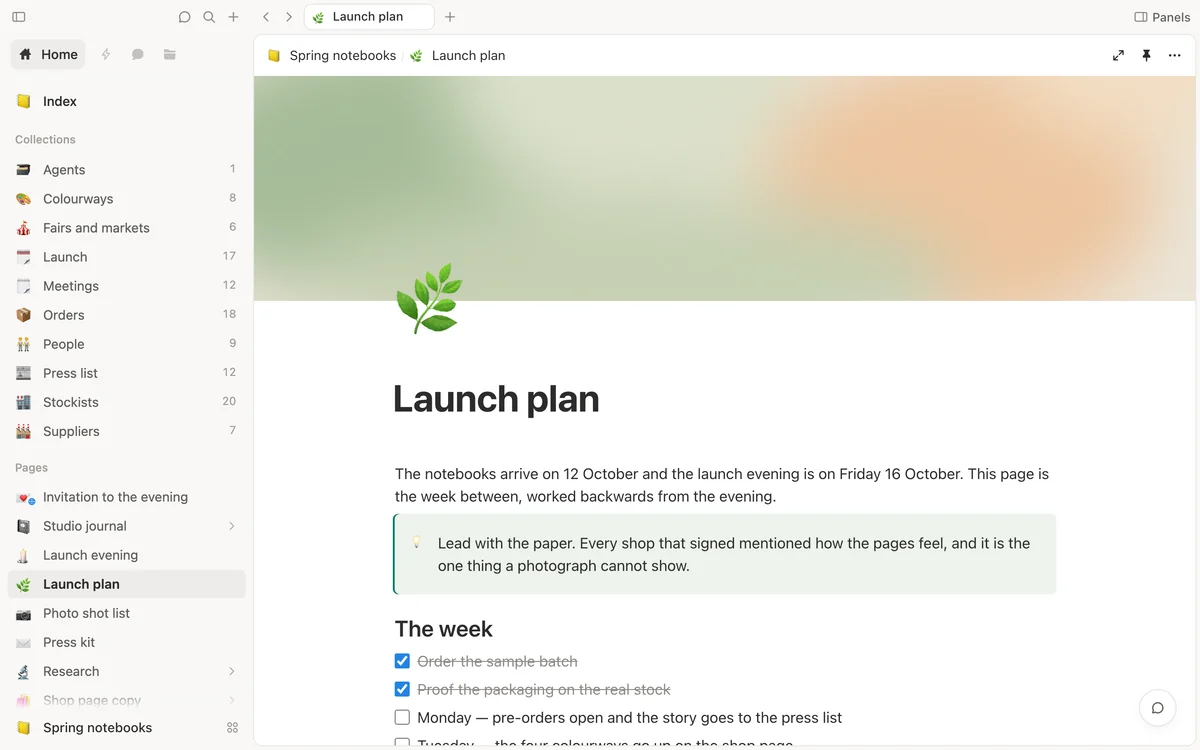
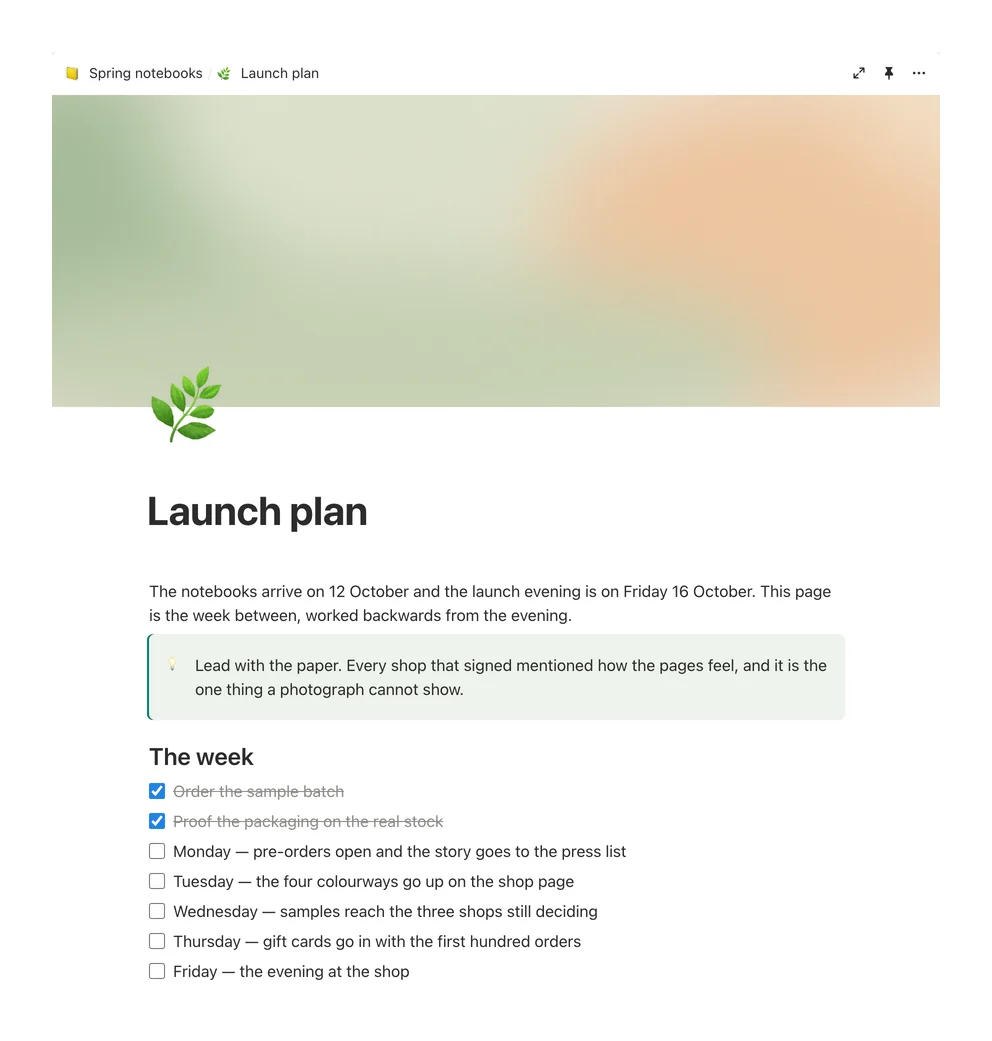
Write in blocks. Headings, checklists, callouts, pictures and covers.
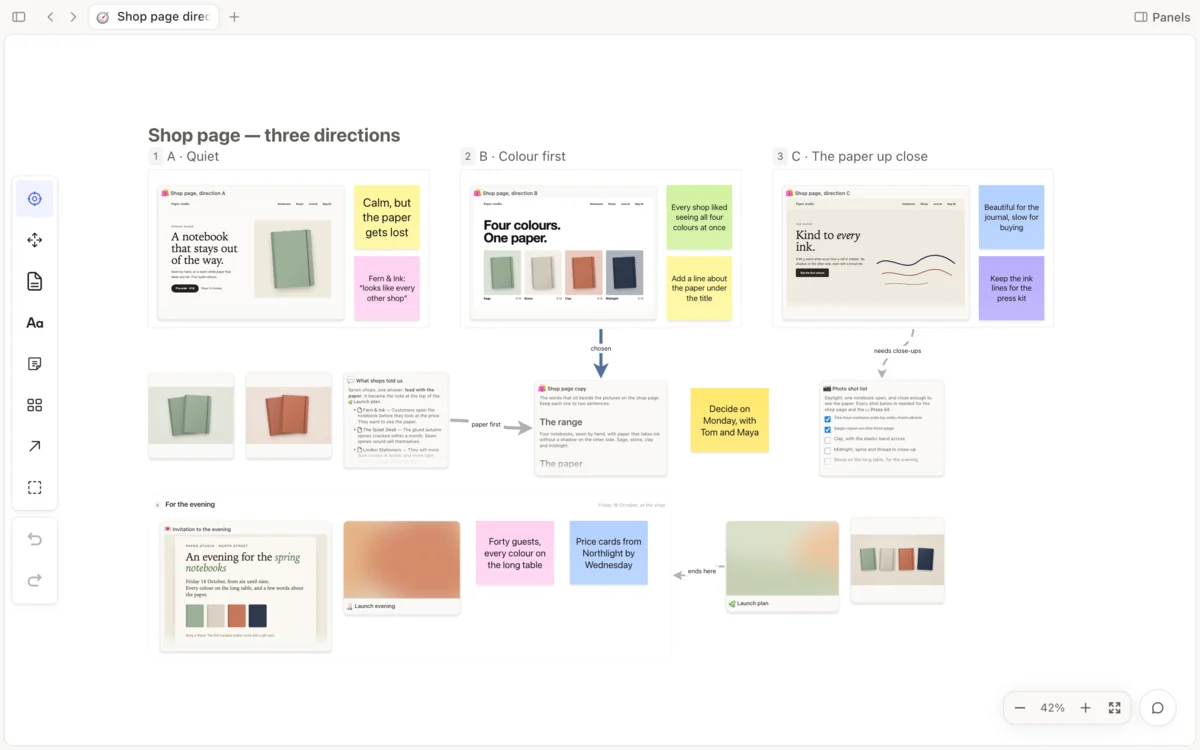
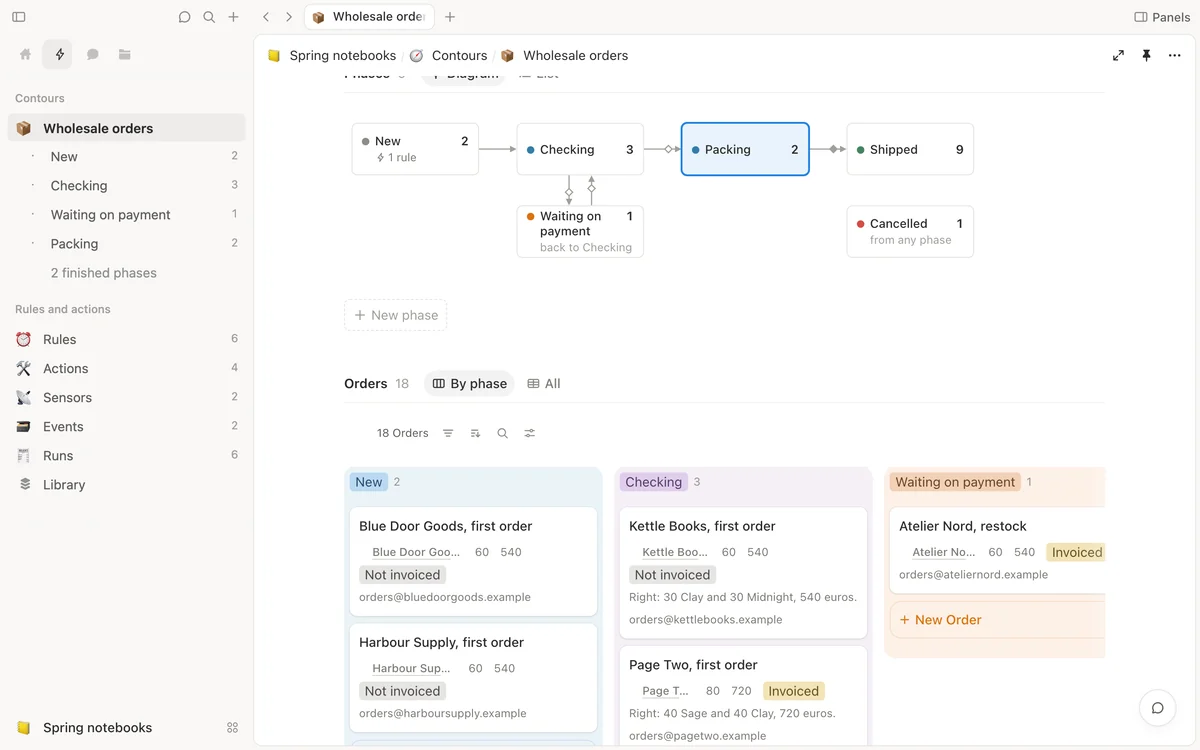
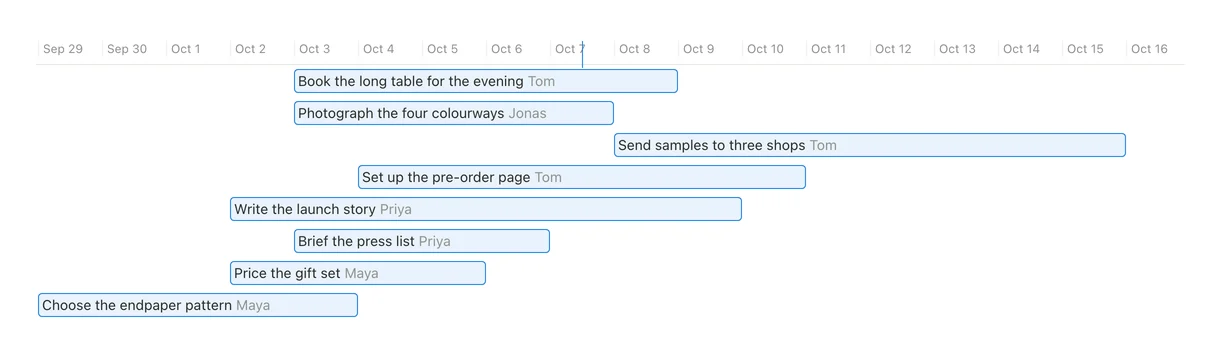
See the whole plan. Drag a card when the work moves.
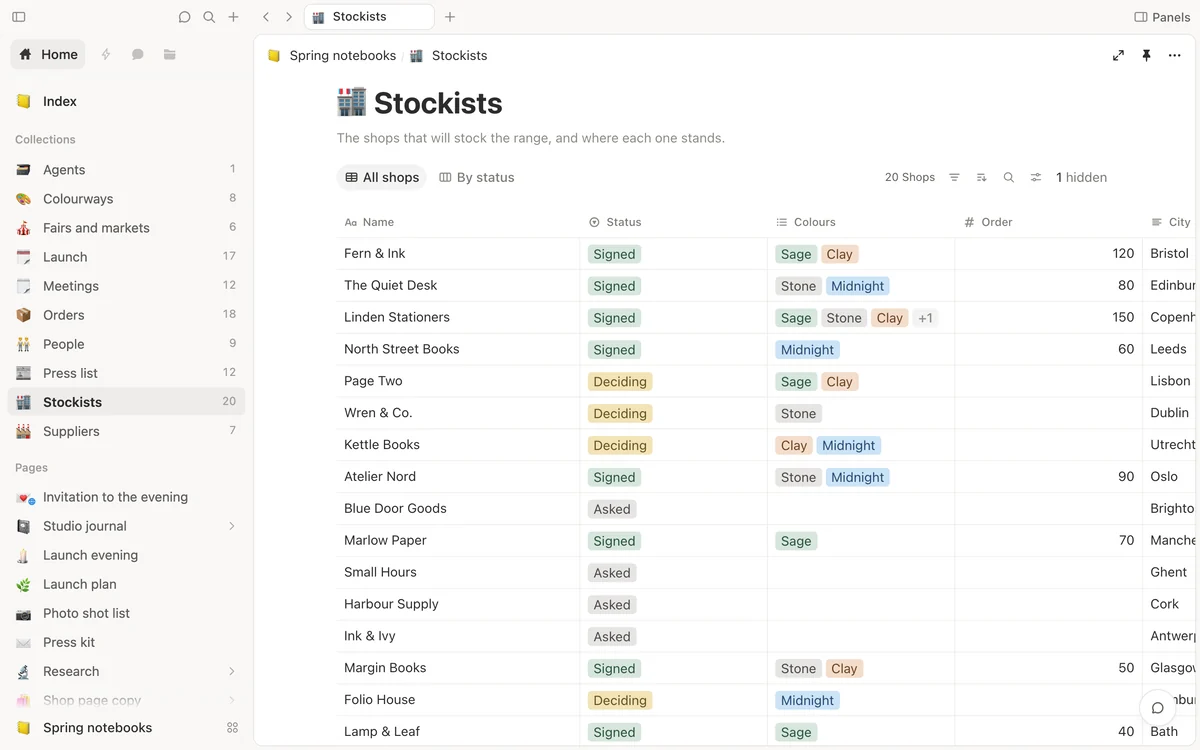
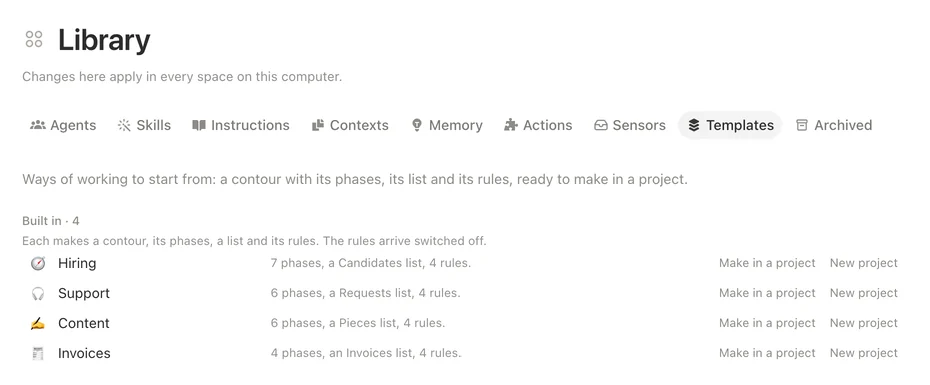
One collection, many views. A table, a board, a gallery, a list, a calendar, a timeline or a form.
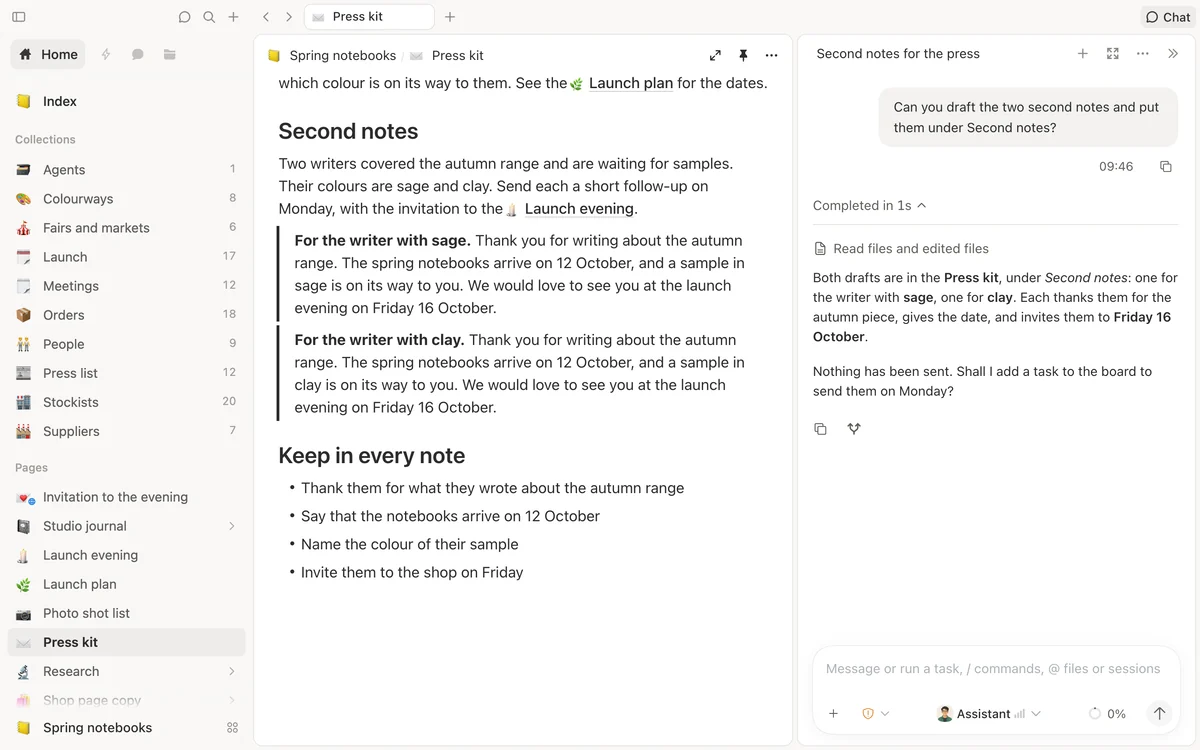
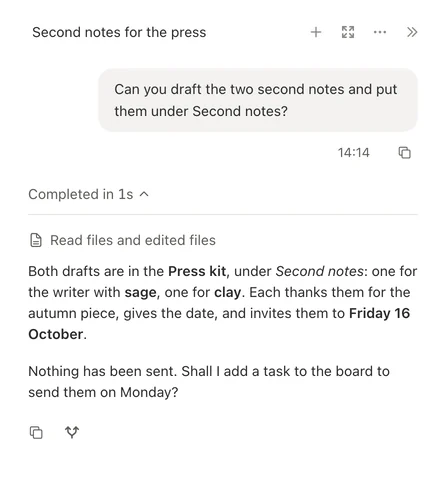
Hand off the work. Ask for the drafts, and a colleague writes them into your page.
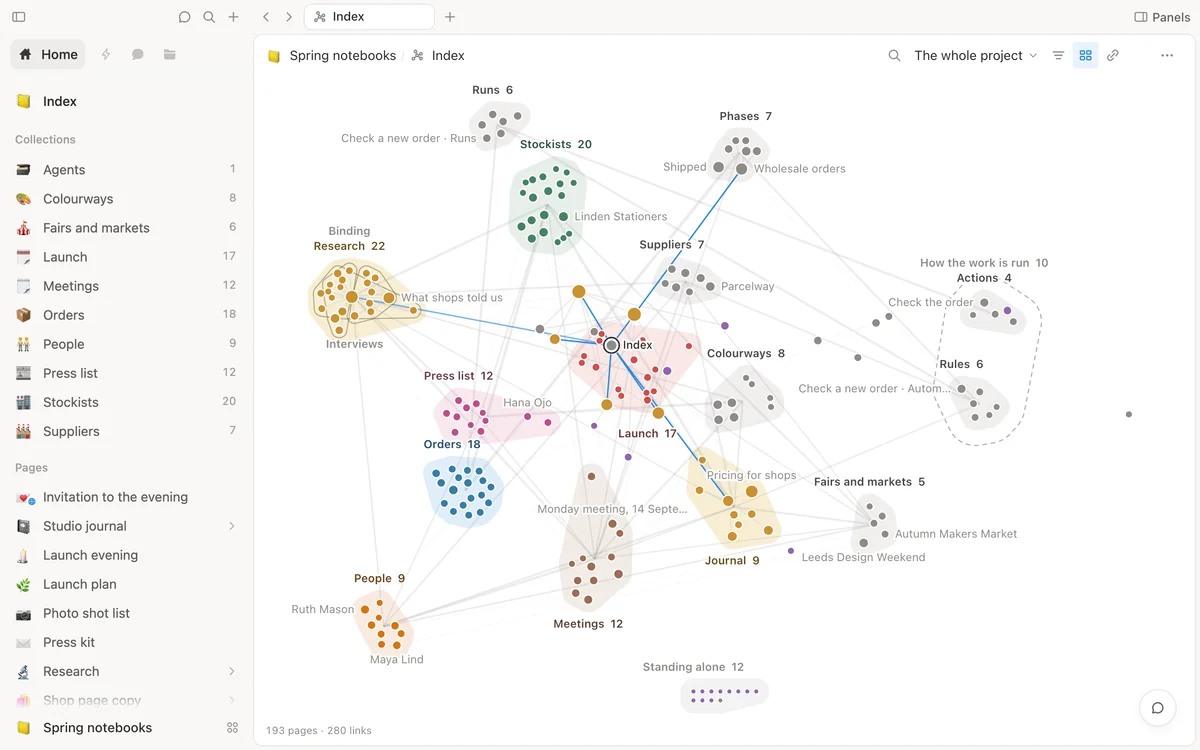
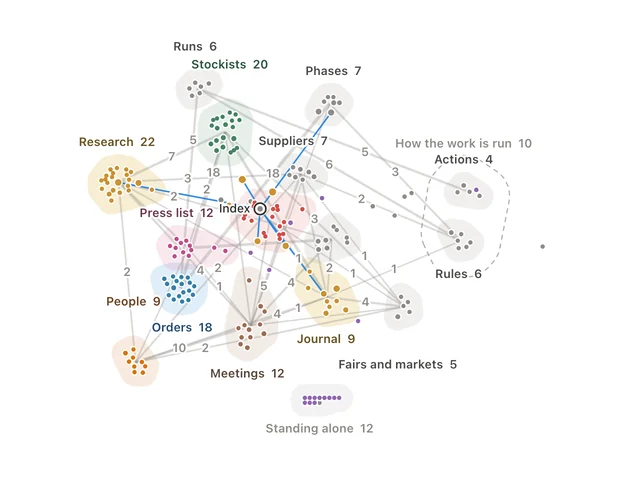
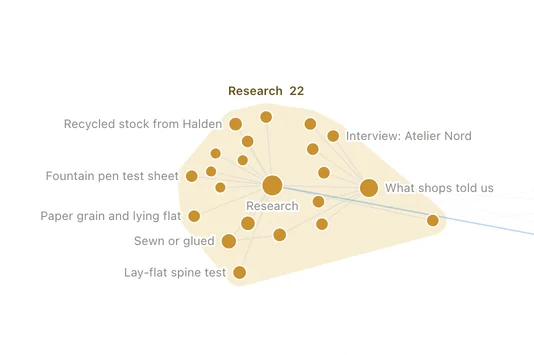
Everything connects. Link pages to each other and see what links back.
Every page is a file you can open anywhere.
Shtukbase keeps your work as markdown: plain text, with a few lines on top for the title, the icon and the properties. A table or a board is a folder of such files. Open them in any text editor, copy them, back them up — they never need us to be read.
- In a folder you choose. Your workspace lives on your Mac, where you put it.
- With its own history. Changes go into the folder’s git history, so an earlier version is always within reach.
- Without an account. Nothing to sign up for, and no server of ours in between.

Colleagues who work in your pages.
Five colleagues come with the app, each with a face, a way of working and a memory of its own. Ask one to draft, plan, research or tidy up, and the work lands where it belongs: in your pages, tables and boards. Make your own, too, and call it by name.
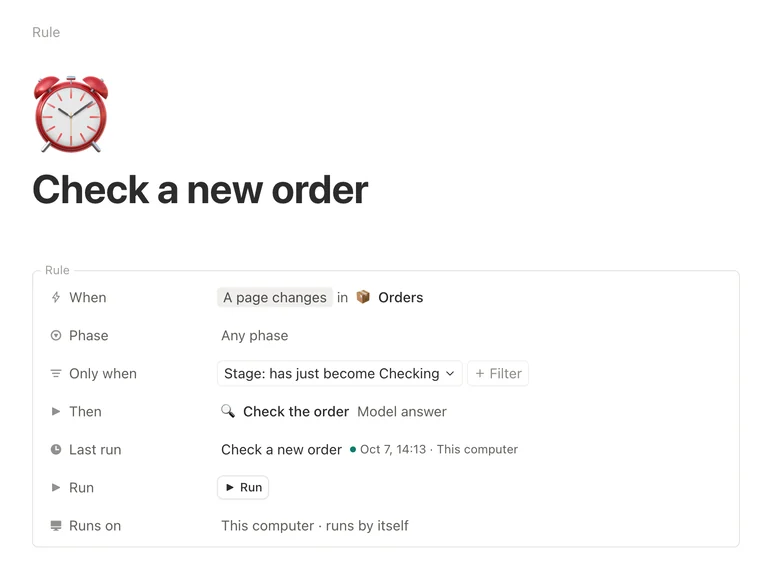
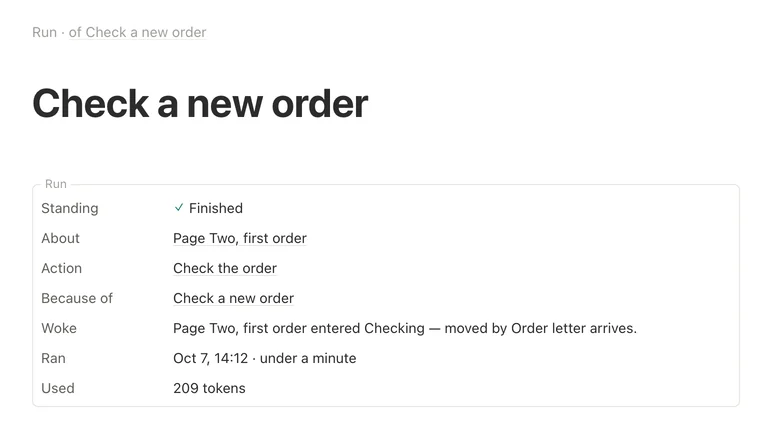
- They do the work, not just the talk. A colleague reads your pages, edits them, and shows the steps it took.
- You set how far they go. Let a colleague only read, or edit inside your folder; anything wider, it asks about first.
- Your choice of model. Built on DeepSeek Harness: use your own key with the provider you prefer, or run a model on your Mac.

Start with one page.
Download Shtukbase, open it and write. Everything you make stays yours.